
10 Best Smart Home Devices for Easy Automation – 2026
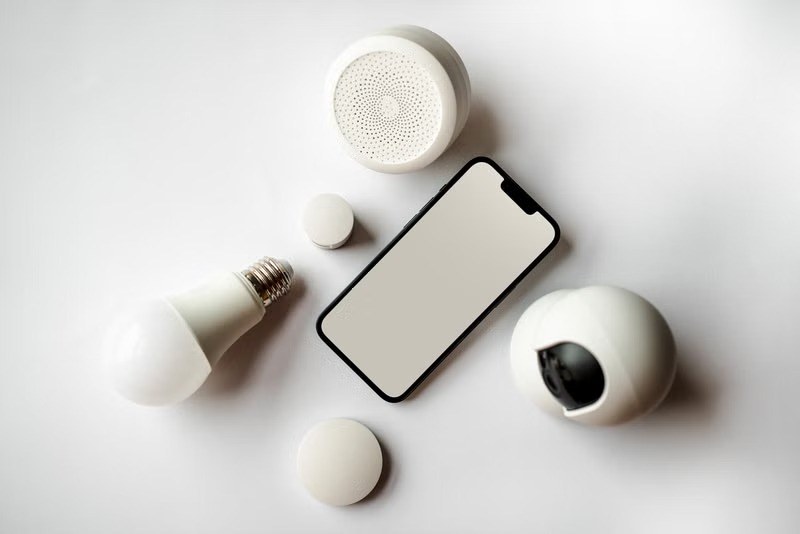
Smart home technology has quietly crossed the line from geeky luxury to everyday convenience, and the best smart home devices are the reason why. Lights that turn on when you walk in. A doorbell that shows you who is at the door from your couch. A speaker that sets timers, plays music, and locks up at night with a single voice command. None of this requires rewiring your house or spending a fortune anymore.
The best part is how approachable it has become. Most of the devices in this guide set up in minutes with a phone app, work with the voice assistant you already use, and cost less than a dinner out. You can start with one smart plug or bulb and build from there, adding automation piece by piece as you discover what makes your daily routine easier.
This guide rounds up the ten smart home devices that deliver the most convenience for the least hassle. From voice controlled speakers and video doorbells to colorful lighting and clever plugs, these are the picks that make a home feel modern, responsive, and just a little bit magical.
Table of Contents
Echo Dot (5th Gen)
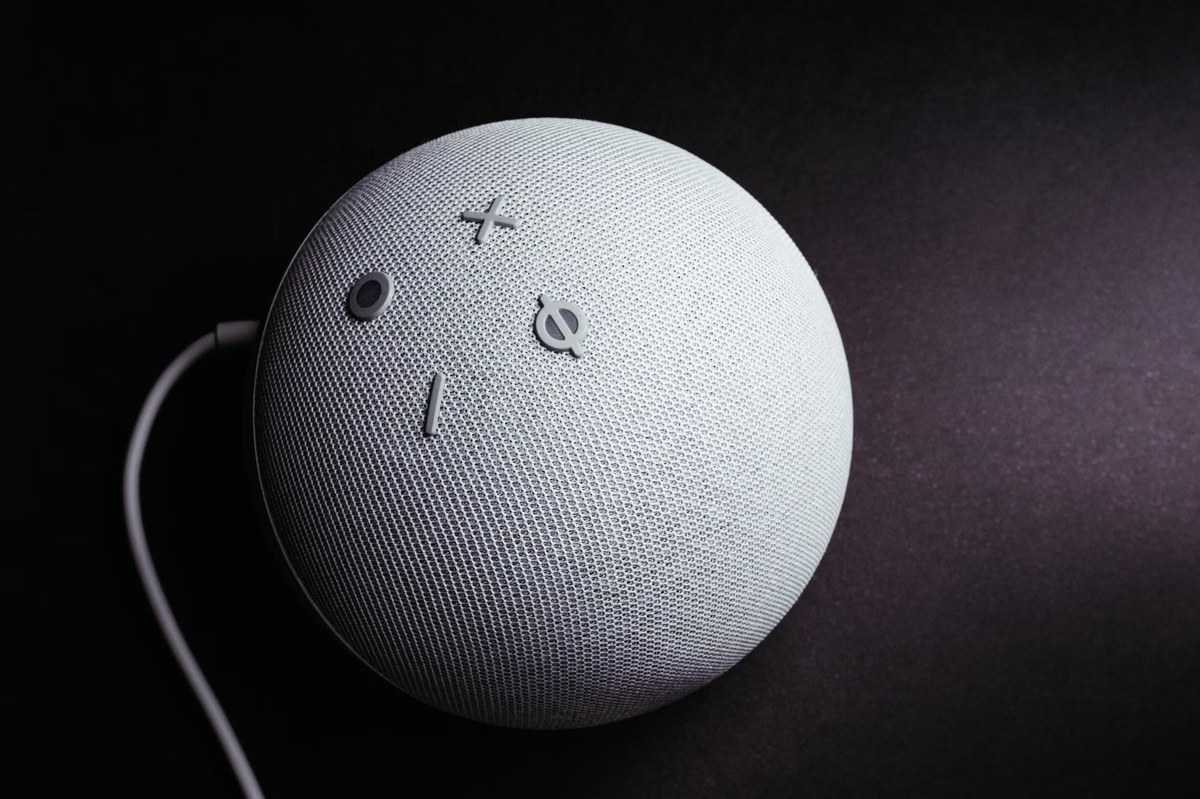
The Echo Dot (5th Gen) is the front door to the smart home for millions of people, and for good reason. This compact smart speaker puts Alexa in any room, letting you control lights, plugs, thermostats, and more with your voice. It also handles the everyday stuff: timers, alarms, weather, news briefings, and music streaming, all hands free.
What makes it the ideal starting point is how it ties everything else together. Once you have an Echo Dot, every compatible device on this list becomes voice controllable, which is where the real magic happens. Saying goodnight and having the lights dim, the doors report locked, and tomorrow is weather read out never gets old.
This suits smart home beginners, anyone who wants better sound than a phone speaker in the kitchen or bedroom, and households standardizing on Alexa. It is small, affordable, and endlessly useful, the rare gadget that earns its counter space every single day.
Blink Video Doorbell
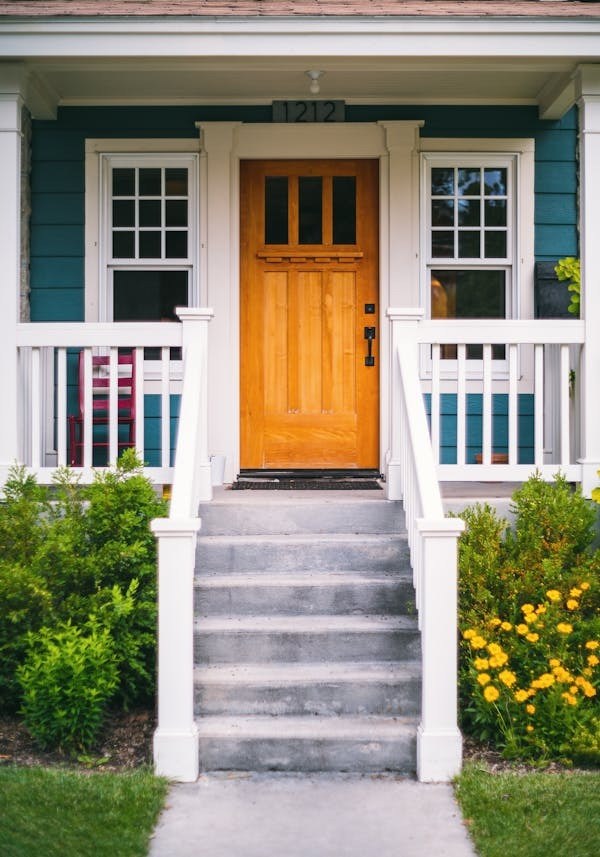
Answering the door from anywhere is one of those conveniences you do not appreciate until you have it. The Blink Video Doorbell lets you see, hear, and speak to visitors from your phone, whether you are on the couch, at work, or on vacation. Package deliveries, unexpected guests, and mystery knocks all become manageable.
For easy automation fans, the appeal is simplicity. Blink is designed around wire free installation and long battery life, so renters and homeowners alike can add video security without drilling into doorframes or hiring an electrician. Motion alerts mean you know what is happening at your door even when nobody rings.
This suits anyone who misses packages, lives alone and wants extra awareness, or wants to screen visitors before opening the door. It is also a great first security device because it works standalone and plays well with Alexa for announcements on your Echo speakers.
Ring Video Doorbell (2nd Gen)
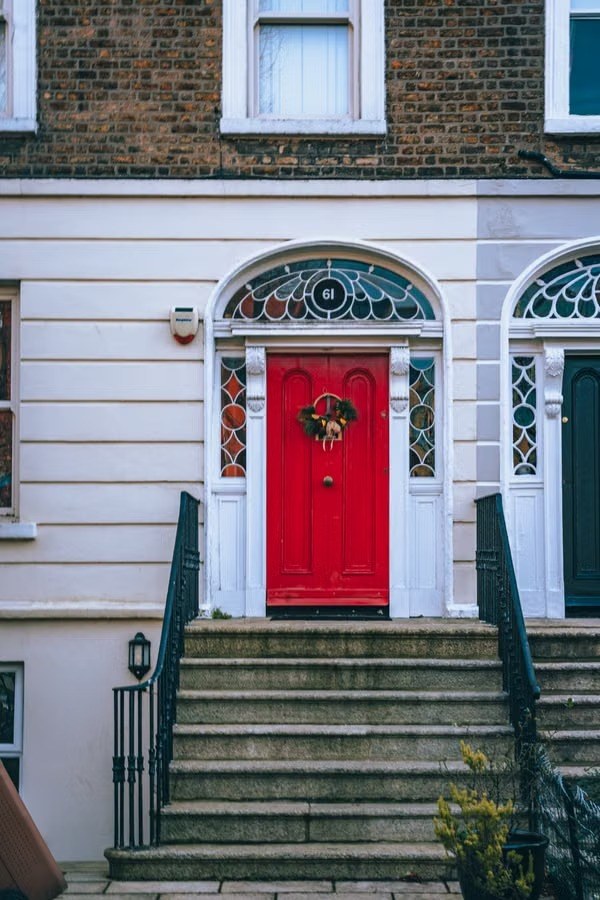
The Ring Video Doorbell (2nd Gen) is one of the most recognized names in home security, known for crisp video, reliable motion detection, and a mature app experience refined over years. It brings the same see and speak from anywhere convenience as its rivals, backed by one of the largest smart home ecosystems in the business.
What keeps Ring popular is the whole package: solid hardware, timely alerts, night vision that actually works, and deep integration with Alexa, including Echo Show displays that can show your door feed on command. For households already in the Alexa universe, the doorbell becomes part of a coordinated system rather than a standalone gadget.
This suits homeowners wanting a proven, well supported video doorbell, Alexa households that want seamless announcements and displays, and anyone who values a large user community and long track record. If peace of mind at the front door is the goal, this is a dependable way to get it.
Govee RGB LED Strip Lights
Lighting changes how a room feels more than almost anything else, and the Govee RGB LED Strip Lights make it fun. These adhesive strips tuck behind TVs, under cabinets, along headboards, and around desks, washing your space in any color you can imagine. Movie nights, gaming sessions, and parties all get an instant atmosphere upgrade.
Beyond the wow factor, smart strips are genuinely useful. Set warm white for reading, bright white for cleaning, and a soft amber for winding down, all from your phone or voice. Schedules can fade the lights on in the morning and dim them at night, turning lighting into a background automation you never have to think about.
This suits renters who cannot change fixtures, gamers and streamers building a vibe, and anyone whose rooms feel flat under a single overhead light. A single strip behind the TV or bed transforms the feel of a room for very little money.
Daybetter 110ft LED Strip Lights
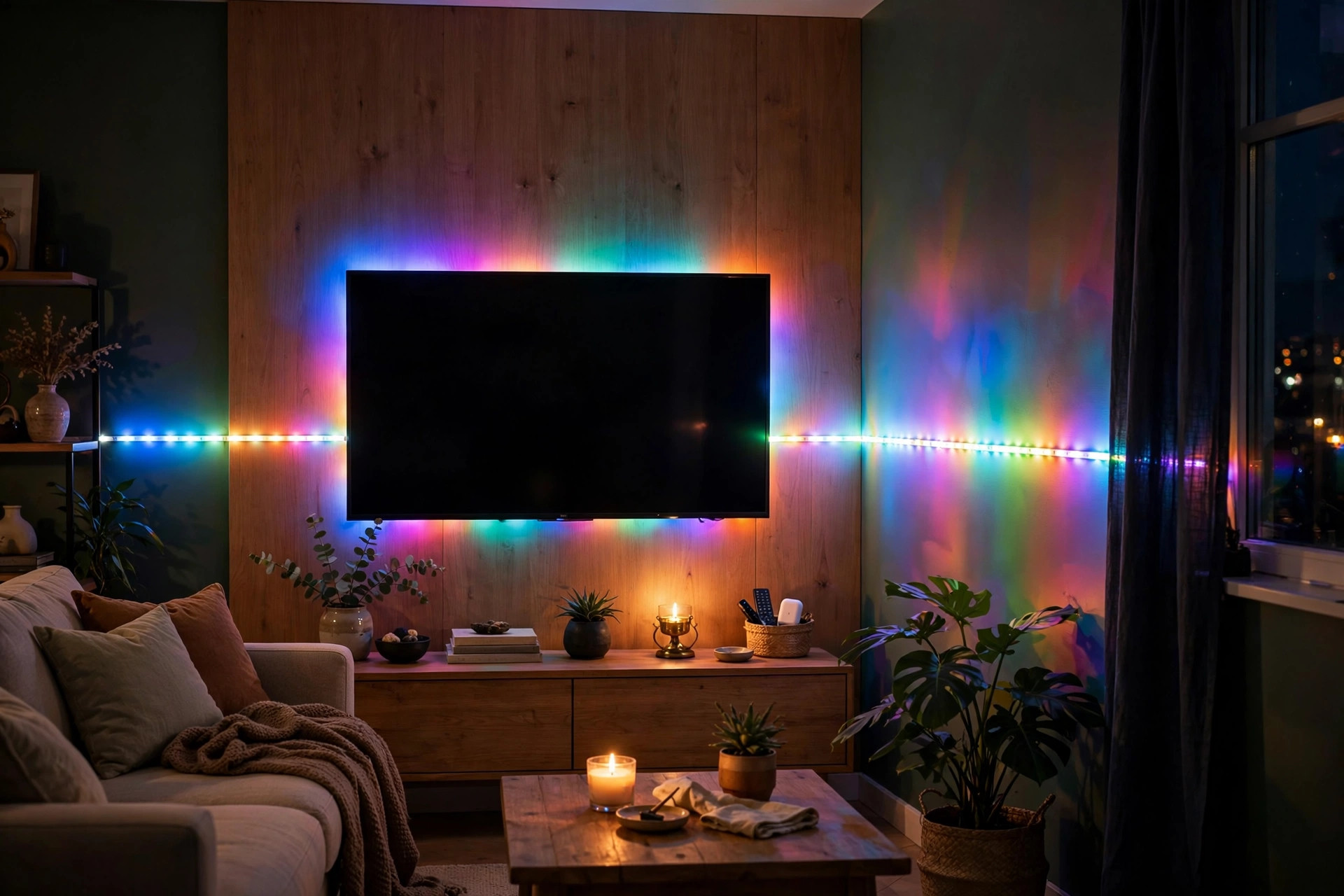
Sometimes one room is not enough. The Daybetter 110ft LED Strip Lights bring serious length to the party, enough to outline an entire living room, wrap a large bedroom, or light multiple zones from a single purchase. When you want immersive, wraparound color, length is everything.
Long runs like this shine in open spaces where a short strip would look lost. Trace the ceiling perimeter for a floating glow effect, line a hallway for futuristic vibes, or split the run across a bedroom and an office. App control with colors, scenes, and music sync modes keeps the long installation feeling dynamic rather than static.
This suits anyone lighting a large room or multiple areas at once, party hosts who want maximum impact, and decorators going for a bold modern aesthetic. If your vision involves more than a single accent strip, this is the value packed way to get there.
Candle Warmer Lamp with Timer

Not every smart home upgrade needs Wi-Fi. The Candle Warmer Lamp with Timer melts scented candles from above with gentle heat, releasing fragrance without an open flame. No soot on walls, no tunneling wax, no worrying about whether you blew out the candle before leaving the room.
The timer is what earns it a place in an automation minded home. Set it to warm your favorite scent before you get home from work, or to shut off automatically after your evening wind down. It brings the cozy ritual of candlelight into a routine that takes care of itself, and it is far safer around kids and pets than open flames.
This suits fragrance lovers who burn through candles, anyone with safety concerns about open flames, and cozy home enthusiasts who want scent on a schedule. It also makes candles last longer, since the wax melts evenly instead of burning away. Small device, big atmosphere.
Kasa Smart Plug Mini
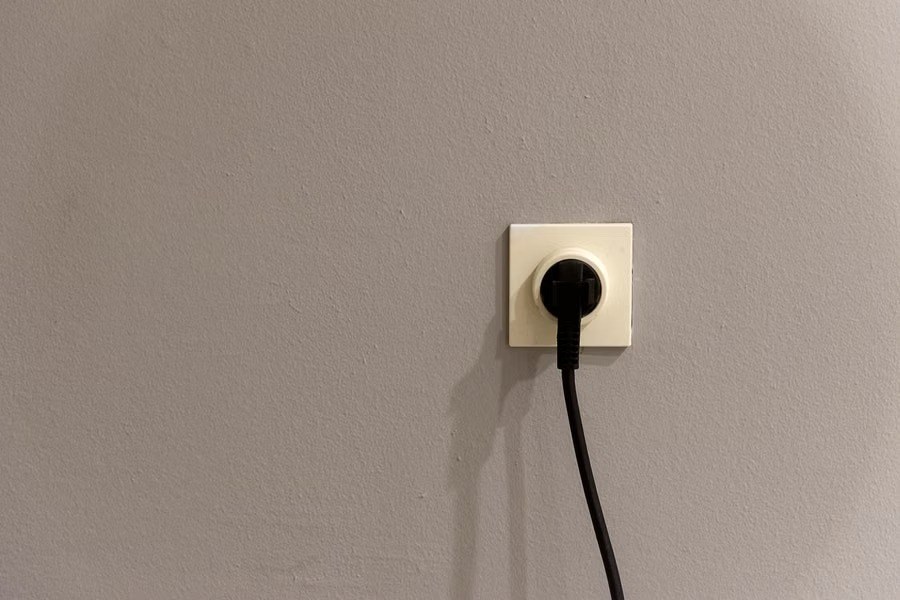
The humble smart plug might be the highest value device in all of home automation. The Kasa Smart Plug Mini turns any ordinary lamp, fan, or coffee maker into a smart device: schedule it, control it from your phone, or run it with your voice through Alexa or Google. No new appliances required.
The mini size matters more than it sounds. Older smart plugs were bulky enough to block the second outlet, but compact designs like this keep both sockets usable. That makes it practical to automate several lamps around the house without an ugly wall of plastic bricks.
This suits renters who cannot rewire anything, beginners taking their first step into automation, and anyone with hard to reach lamps or holiday lights. Start with one for the living room lamp, and do not be surprised when you end up wanting five more.
BN-LINK WiFi Smart Plug
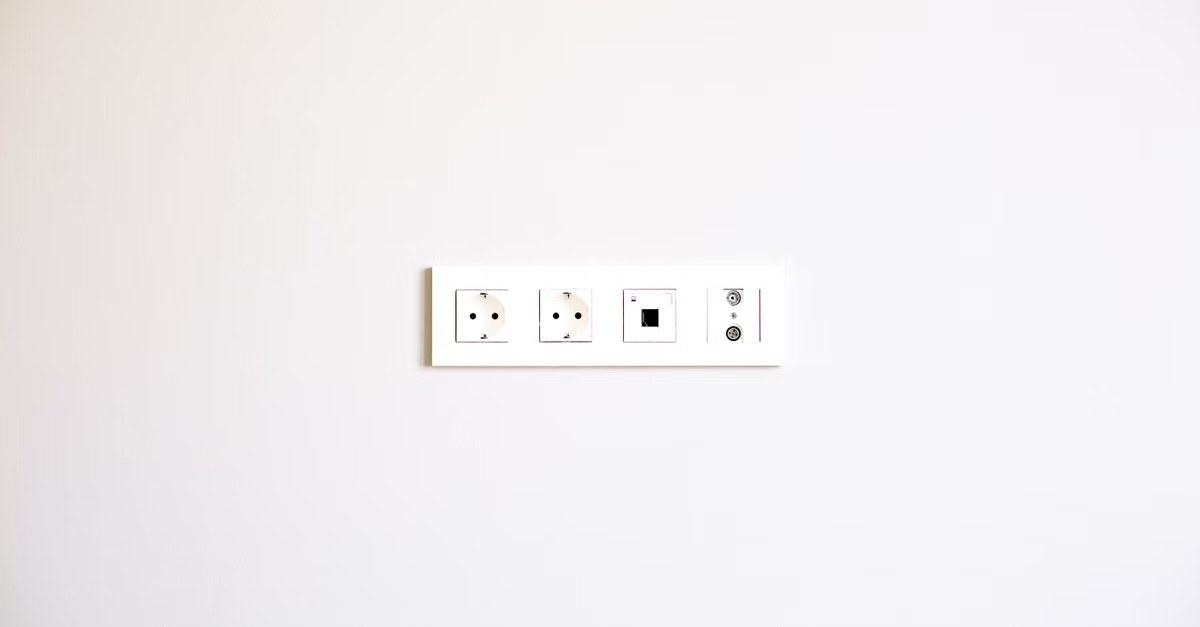
The BN-LINK WiFi Smart Plug covers the same essential ground as its rivals: app control, voice control, and scheduling for whatever you plug into it. It is the kind of reliable workhorse device that quietly automates the boring stuff, lamps that turn on at sunset, fans that shut off at bedtime, holiday lights on a timer.
Having a second strong option in the smart plug category is good news for shoppers, because plugs are often bought in multiples. Outfitting a whole home means four, six, or more plugs, so finding a dependable choice at the right price multiplies your savings. They all speak the same language through Alexa and Google, so mixing brands across rooms works fine.
This suits anyone automating multiple rooms on a budget, gift givers introducing friends to smart homes, and practical homeowners who care more about reliability than brand names. For the price of a pizza, your dumb lamp gets a brain.
Amazon Basics Smart LED Bulb (Color Changing)

Swapping a bulb is the simplest smart home upgrade there is, and the Amazon Basics Smart LED Bulb (Color Changing) proves you do not need a hub or an electrician. Screw it into any standard socket, connect it to your Wi-Fi, and suddenly that lamp does millions of colors, tunable whites, schedules, and voice control.
Color changing bulbs earn their keep in two ways: practical and playful. Practically, you get bright daylight white for focus and warm dim tones for evening, which is genuinely better for winding down. Playfully, you get party colors, holiday themes, and movie night ambiance at the tap of a button. One bulb, many moods.
This suits renters, dorm dwellers, and anyone who wants smart lighting without touching a fixture. Start with the bedroom or living room lamp you use most, and you will immediately understand why smart bulbs are a gateway device.
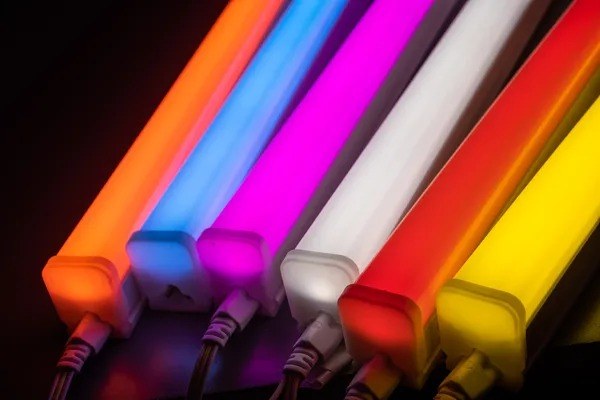
Govee RGBIC Light Bars
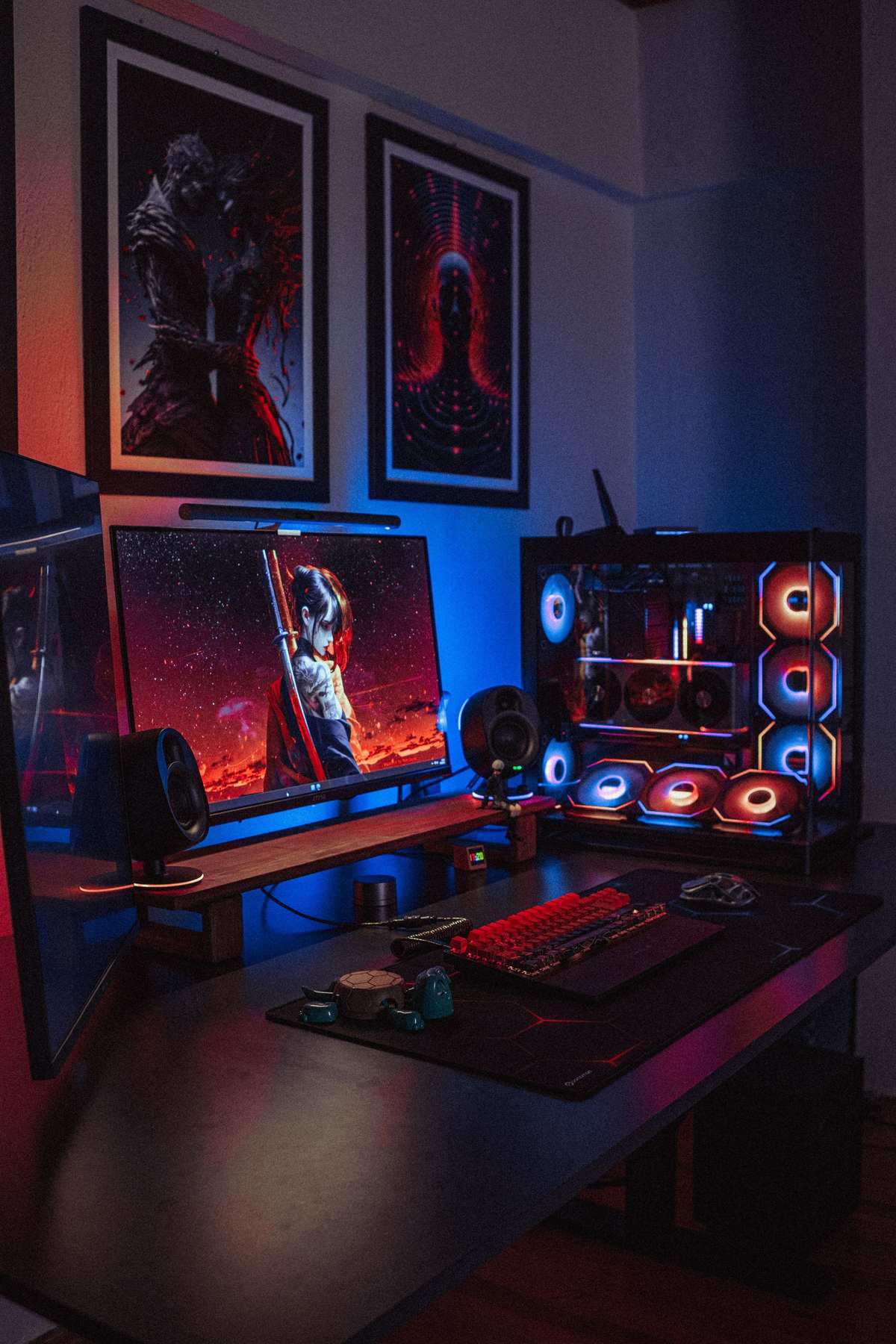
While strips hide behind things, light bars are meant to be seen. The Govee RGBIC Light Bars stand on desks, shelves, and TV consoles, painting walls with rich, segmented color that adds depth and drama to a room. The RGBIC technology means multiple colors can display along a single bar at once, creating gradients and effects a basic strip cannot match.
Placement flexibility is the advantage here. Bars work where strips cannot: flanking a TV for bias lighting that reduces eye strain, accenting a bookshelf, or adding a glow behind a gaming setup. They are freestanding decor and smart lighting in one, which makes them easy to reposition as your room evolves.
This suits gamers, streamers, and home theater fans who want cinematic ambiance, as well as anyone decorating a modern space with light as an art element. Pair them with Govee strips for a coordinated look, or let a single pair of bars carry the whole vibe.
Quick Comparison
| Product | Best For | Standout |
|---|---|---|
| Echo Dot (5th Gen) | Voice control hub | Ties your whole smart home together |
| Blink Video Doorbell | Wire free door security | Easy install, long battery life |
| Ring Video Doorbell (2nd Gen) | Proven video doorbell | Mature app and Alexa integration |
| Govee RGB LED Strip Lights | Accent lighting anywhere | Millions of colors from your phone |
| Daybetter 110ft LED Strip Lights | Large rooms and long runs | 110 feet of immersive color |
| Candle Warmer Lamp with Timer | Flameless fragrance | Scent on a schedule, no open flame |
| Kasa Smart Plug Mini | Automating existing devices | Compact, does not block outlets |
| BN-LINK WiFi Smart Plug | Budget multi room automation | Reliable and affordable in multiples |
| Amazon Basics Smart LED Bulb (Color Changing) | Simplest lighting upgrade | No hub, screws into any socket |
| Govee RGBIC Light Bars | Statement accent lighting | Multi color gradients in one bar |
Buying Guide
Pick Your Voice Assistant First
Almost every device on this list works with Alexa, and most work with Google Assistant too, but your life gets simpler when you standardize. If you already have an Echo Dot or a Google Nest speaker, buy devices certified for that ecosystem. Mixed setups work, but a single assistant means one app, one set of routines, and voice commands that behave consistently across every room.
Start Small, Then Automate
You do not need to automate the whole house on day one. The smartest path is one smart plug or bulb in the room you use most, then expand as you feel the benefit. Each addition teaches you what you actually value: scheduled lighting, voice control, or remote access. Buy for the routine you have, not the smart home fantasy, and your system will grow in the directions that matter.
Check Your Wi-Fi Coverage
Smart devices live on your Wi-Fi, so a dead zone means a dumb device. Before loading up on plugs and bulbs, make sure your router reaches the rooms you want to automate, especially outdoor spots for video doorbells. Most connectivity headaches trace back to weak signal, not faulty hardware. A well placed router or a mesh system is the invisible foundation of a reliable smart home.
Think About Renters Versus Owners
Renters should favor no install devices: smart plugs, smart bulbs, wire free doorbells, adhesive light strips, and freestanding light bars all come down cleanly when you move. Homeowners can consider wired doorbells and permanent installations for a cleaner look. Everything on this list leans renter friendly, which is part of why these picks work for so many people.
Plan for Privacy and Security
Connected cameras and microphones deserve a moment of thought. Use strong, unique passwords, enable two factor authentication on your smart home accounts, and keep device firmware updated. For video doorbells, check where footage is stored and what the subscription covers before you buy. A little setup diligence keeps the convenience without the worry.
Frequently Asked Questions
Do I need a hub for these smart home devices?
No. Every device on this list connects directly to your Wi-Fi and is controlled through its own app plus Alexa or Google Assistant. Hubs still exist for certain protocols like Zigbee, but for mainstream devices like smart plugs, bulbs, strips, and video doorbells, your phone and a voice assistant are all you need. That is a big reason smart homes have become so accessible.
Will these devices work if my internet goes down?
Mostly, with limits. Basic local functions like a smart plug is manual button or a bulb is default on state still work, but app control, voice commands, and remote access need the internet. Video doorbells cannot send phone alerts without a connection. If reliability matters, keep traditional switches accessible and do not automate anything critical, like medical devices, solely through Wi-Fi.
Are video doorbells hard to install?
Wire free models like the Blink Video Doorbell are genuinely easy: mount, connect to Wi-Fi, done in minutes with no wiring. Battery powered Ring models are similar. Wired installations that connect to existing doorbell wiring take a bit more confidence but are still a common DIY project. Renters should stick with battery or adhesive mounted options that leave no damage.
Can smart lights really save energy?
Yes, in two ways. LED smart bulbs use far less electricity than old incandescent bulbs to begin with. Then automation multiplies the savings: schedules turn lights off when you forget, motion based routines kill empty room lighting, and dimming cuts consumption further. The savings will not make you rich, but across a whole home they are real, and the convenience is the main prize anyway.
How do I keep my smart home secure from hackers?
Follow the basics: a strong unique Wi-Fi password, separate smart home account passwords with two factor authentication enabled, and regular firmware updates on every device. Buy from established brands with a track record of security updates, which is one reason this list favors well known names. Avoid obscure no name devices for cameras especially, since they are the most sensitive category.
Want more tech for your home? See our guide to the 10 best smartphones of 2026 to pair with your new setup, and the 10 best places to visit in the USA for your next trip. For independent reviews, CNET and Consumer Reports both test smart home gear extensively, and Energy.gov has solid guidance on efficient home lighting.
As an Amazon Associate, DixTrick earns from qualifying purchases.