
10 Best Cameras for Live Streaming Setup 2026
Introduction
Choosing the best camera for live streaming in 2026 is less about megapixels and more about workflow: how the camera talks to your computer, how it behaves after three hours on air, and whether your audience sees you or a frozen frame. A brilliant photo camera can be a terrible streaming camera, and a humble webcam can outperform it, because streaming rewards reliability, clean video output, and ease of use above all else.
This guide reviews ten streaming cameras in the exact order our content sheet lists them, from plug-and-play webcams like the EMEET S600, Elgato Facecam, and Logitech’s Brio and C920x lines, through AI tracking cameras like the OBSBOT Tiny 2 and Insta360 Link, up to mirrorless bodies like the Canon EOS R6 Mark II and Panasonic Lumix S5II, plus the Canon VIXIA HF G70 camcorder and the Sony ZV-1. Every product was verified with fresh web searches. No invented prices, ratings, or spec numbers appear anywhere here.
A note on honesty: this topic overlaps with our earlier guide to the best streaming camera (topic 152). Where entries repeat, we flag it openly and judge each camera through a different lens here: the live streaming workflow. That means OBS compatibility, clean HDMI output, webcam mode over USB, overheating behavior on long streams, and the honest question of whether you need a mirrorless body at all or just a great webcam. If you stream on Twitch, YouTube, or for work meetings that feel like broadcasts, the best camera for live streaming for your setup is below.
Table of Contents
How We Chose
We started with the sheet’s ten entries and verified every one with fresh web searches. This is a strong sheet: all ten are real, named products from established brands, with no generic labels and no category mismatches. Where an entry repeats from topic 152, we say so and review it from the workflow angle instead of repeating the earlier take.
Each camera was then judged on streaming-specific criteria rather than photo specs. Can it feed OBS or your platform of choice without drama, either as a USB webcam or through clean HDMI into a capture device? Does it stay cool and stay on through a long broadcast? Is the autofocus calm instead of hunting on camera? And does the price make sense for the streaming you actually do, from daily video calls to full production streams?
We also weighed simplicity honestly. A mirrorless camera looks impressive on a spec sheet, but if you stream twice a week from a desk, a purpose-built streaming webcam will give you fewer headaches and better consistency. The best camera for live streaming is the one that is on, in focus, and streaming when you hit the button, and this list is ordered by the sheet but ranked by that reality.
1. EMEET S600 Webcam: Best Camera for Live Streaming Starter Pick
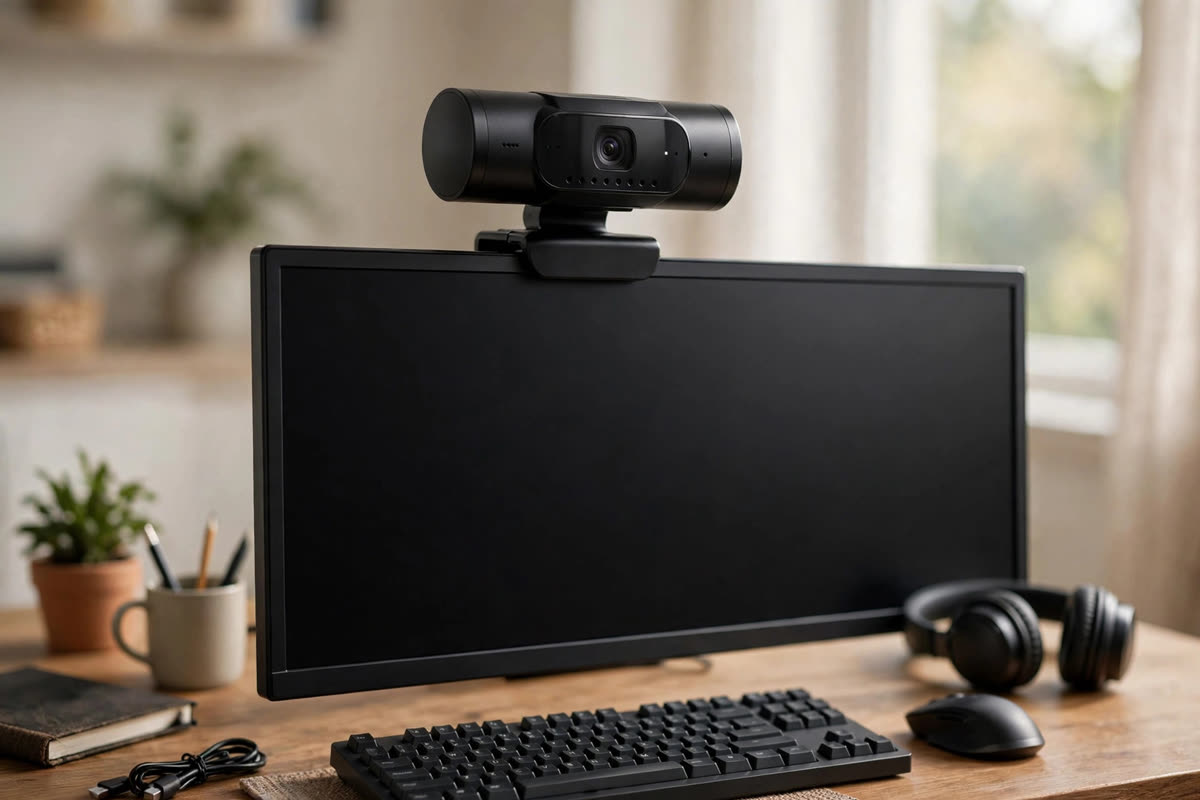
The EMEET SmartCam S600 is a real 4K streaming webcam, and it is the friendliest on-ramp on this list. It records 4K at 30 frames per second and drops to 1080p at 60 for smoother motion, with fast autofocus, auto light correction, dual noise-canceling microphones, and a gear-driven privacy cover, all over a simple USB-C connection. You can see the S600’s full spec sheet at this retailer listing to confirm the details.
For streaming workflow, the S600’s virtues are plug-and-play simplicity and OBS compatibility out of the box. There is no capture card, no HDMI cable, no camera menu to learn: plug it in, select it as your video source, and you are live. The adjustable field of view, from a tighter 40 degrees to a wider 73, lets you frame a talking head or a desk demo without moving the camera.
The honest limits are the ones all webcams share: a small sensor means low light performance cannot match a mirrorless body, and the built-in mics, while decent, are no substitute for a dedicated microphone if your stream lives or dies on audio. But as a first best camera for live streaming, the S600 gets the fundamentals right at a starter price.
2. Elgato Facecam: Best Camera for Live Streaming Creator Pick
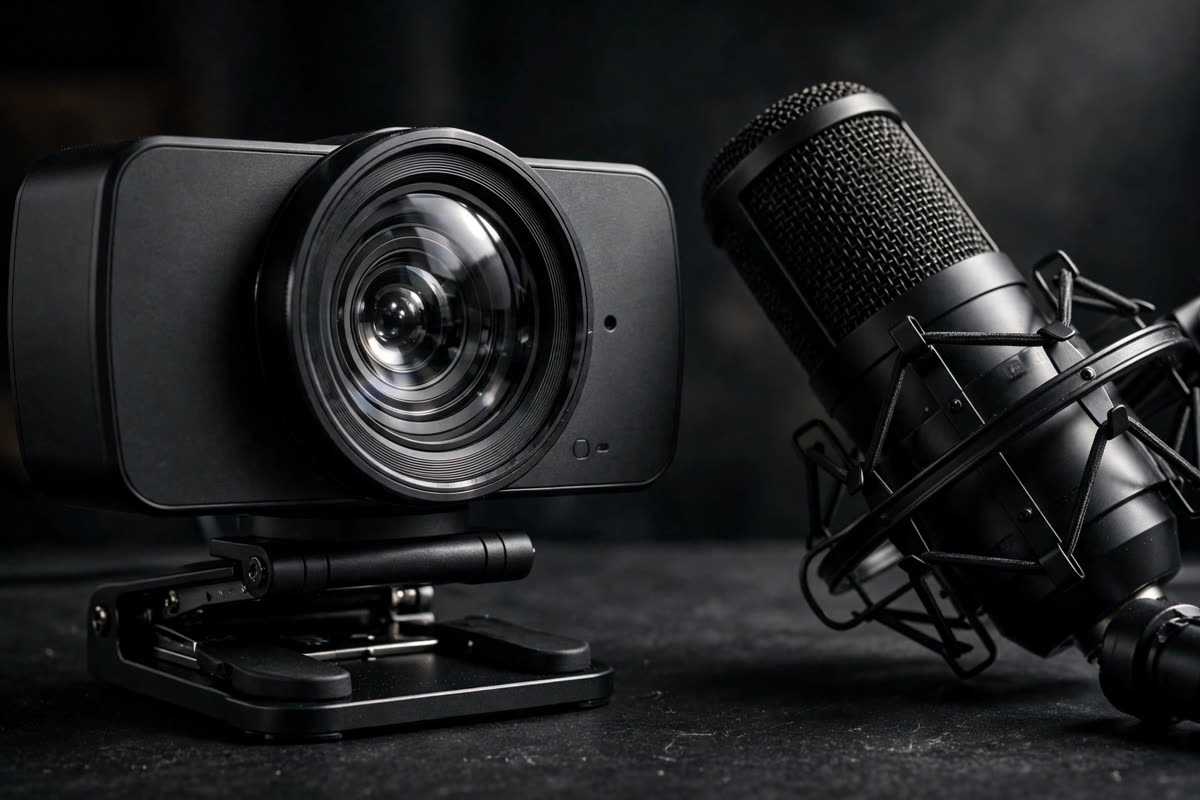
Elgato built the Facecam specifically for streamers, and that focus shows in every decision. It is a 1080p60 webcam with a prime lens, which means no autofocus hunting mid-sentence, just a fixed, flattering focus that stays put. Elgato deliberately left out the microphone, because serious streamers already own one, and put the budget into the image instead.
In the streaming workflow the Facecam behaves like a team player. It pairs with Elgato’s Camera Hub software for fine control over exposure, white balance, and field of view, and it drops into OBS, Streamlabs, Twitch Studio, and every major platform without fuss. The image has a clean, professional look that punches above the 1080p label, especially with even modest lighting.
The tradeoff is resolution on paper: there is no 4K here, and creators who crop heavily into their frame for vertical clips may want more pixels. But 1080p60 remains the sweet spot for live platforms, which compress everything anyway, and the Facecam’s consistency, no hunting, no surprises, is exactly what a live audience rewards. For dedicated creators, this is the best camera for live streaming in the webcam class.
3. Logitech BRIO Pro: Best Camera for Live Streaming 4K Pick
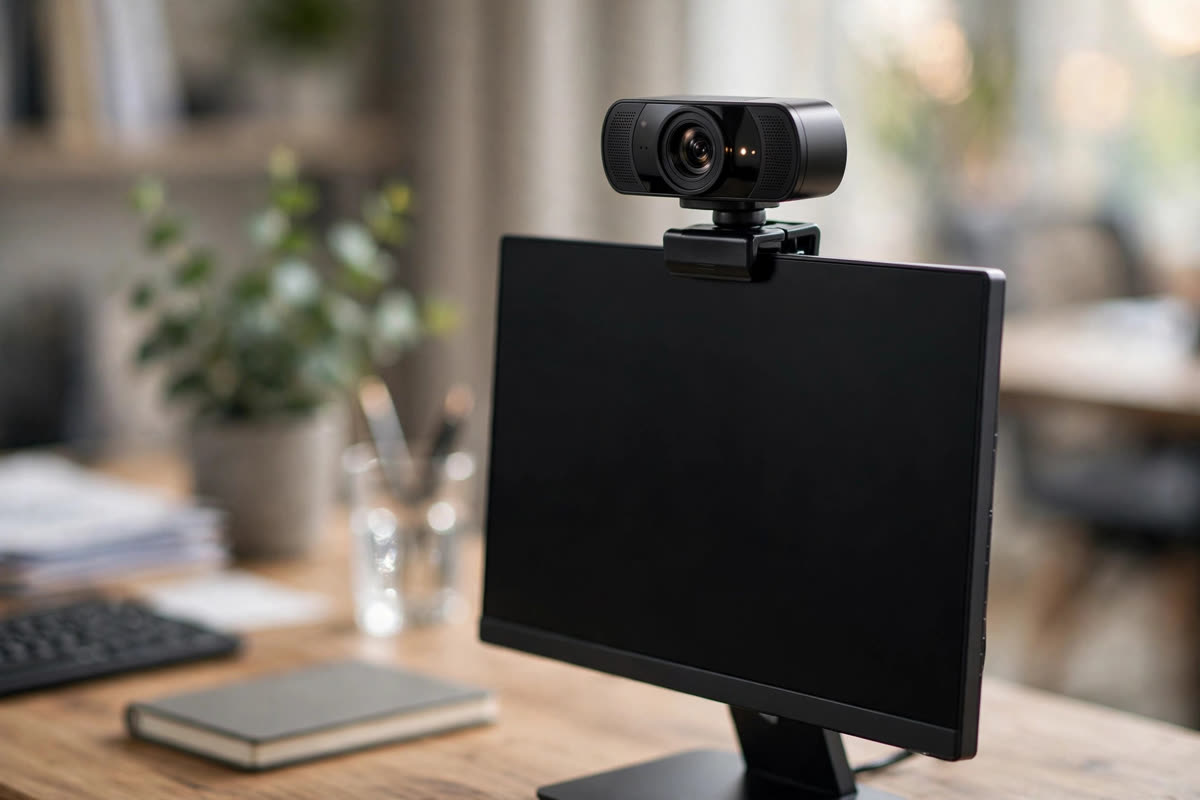
The Logitech Brio 4K Pro is the veteran of this list: 4K at 30fps, 1080p at 60fps, RightLight 3 with HDR for tricky lighting, and an adjustable field of view across 65, 78, and 90 degrees. Retail listings confirm the sheet’s “BRIO Pro” naming against the Brio 4K Pro line, so this is a verified product, not a label.
For streaming, the Brio’s strengths are versatility and ubiquity. It works with OBS, XSplit, Zoom, Teams, and virtually everything else, the 5x digital zoom holds up in 4K, and the HDR handling keeps your face visible when a window is blowing out the background. It is also one of the few webcams here that doubles convincingly as a business camera, which matters if your streams and your meetings share one desk.
Honest caveats: 4K streaming demands a USB 3 port and real CPU headroom, and most platforms will compress that 4K down to 1080p anyway, so buy the Brio for its flexibility and light handling rather than the 4K badge alone. As the 4K webcam answer to the best camera for live streaming question, it remains the safe, proven choice.
4. Logitech C920x Pro: Best Camera for Live Streaming Budget Pick
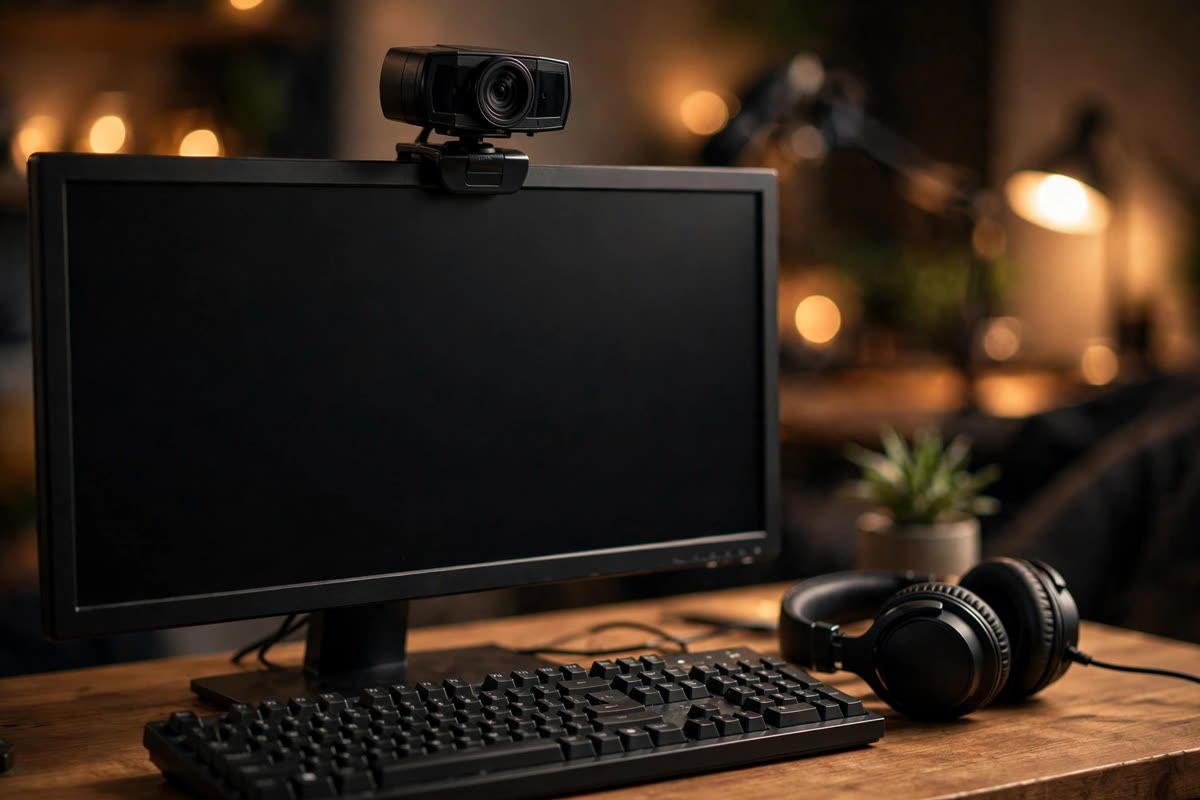
The Logitech C920x Pro, from the legendary C920 family, is the webcam that taught a generation of streamers that you do not need to spend much to look good. It delivers 1080p at 30fps with Logitech’s mature autofocus and light correction, and it has been a default recommendation for so long that every streaming app on earth recognizes it instantly.
The workflow story here is zero friction. The C920x works with OBS, Streamlabs, Zoom, Teams, Discord, and everything else, usually with no driver installation at all. For new streamers, that matters more than any spec: the best camera for live streaming when you are starting out is the one that cannot fail you on day one, and this camera has a decade of day ones behind it.
The limits are honest ones: 30fps instead of 60, a narrower feature set than the Brio, and low light performance that rewards a cheap desk lamp more than any setting. But if your budget is tight and your content is good, the C920x Pro gets you on air looking professional, and you can spend the savings on the microphone and lighting that actually move the needle.
5. OBSBOT Tiny 2: Best Camera for Live Streaming Auto Framing Pick
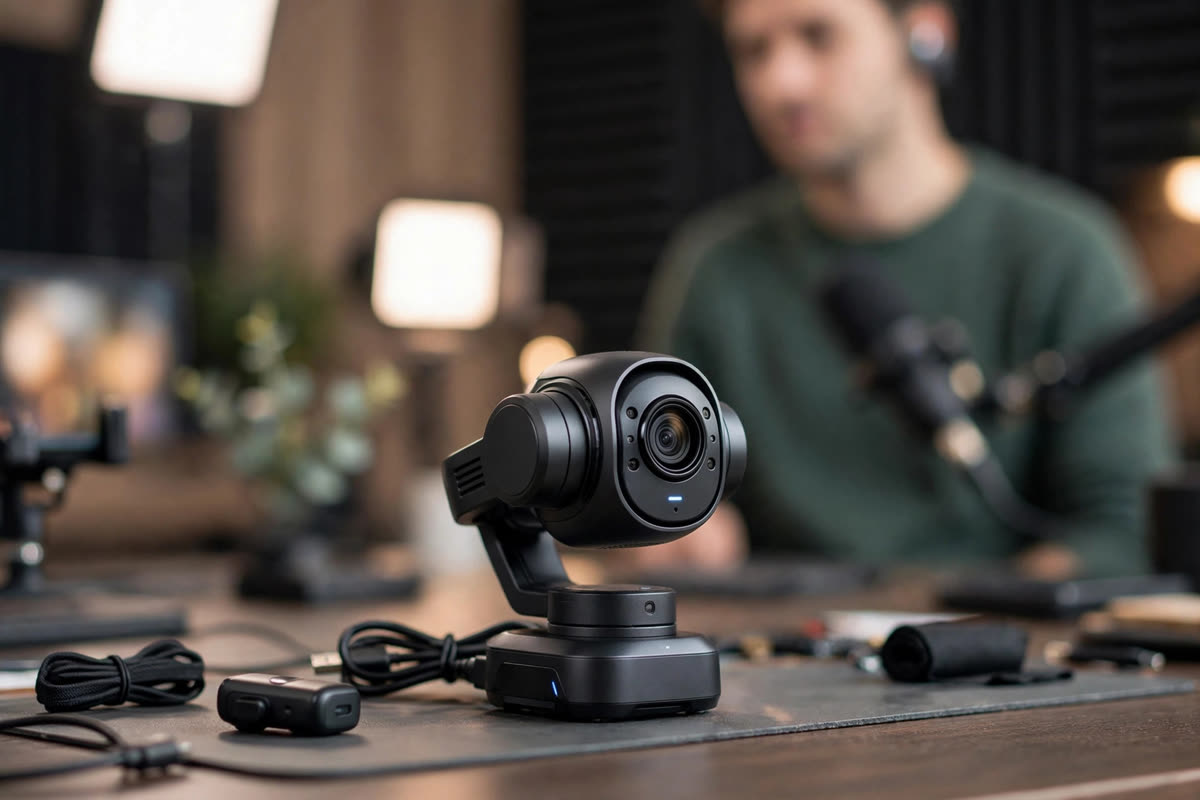
The OBSBOT Tiny 2 is the camera for streamers who move. It is a 4K webcam on a two-axis gimbal with AI tracking that follows you around the frame, plus gesture control and voice control, so you can present, demo, teach, or pace without ever touching the camera.
In a streaming workflow, auto framing is a genuine superpower for solo creators. Cooking streams, fitness streams, workshops, and whiteboard teaching all become one-person productions, because the camera behaves like a cameraperson. It connects over USB-C, works as a standard webcam source in OBS and other apps, and the tracking is smooth rather than jumpy, which keeps the audience comfortable.
The caveats: AI tracking can be fooled by busy backgrounds or a second person wandering into frame, and the premium over a fixed webcam only pays off if you actually use the movement. For desk-bound talking heads, the Facecam or Brio will serve you better for less. But if your stream involves motion, the Tiny 2 is the most fun answer to the best camera for live streaming question on this list.
6. Insta360 Link: Best Camera for Live Streaming Gimbal Pick
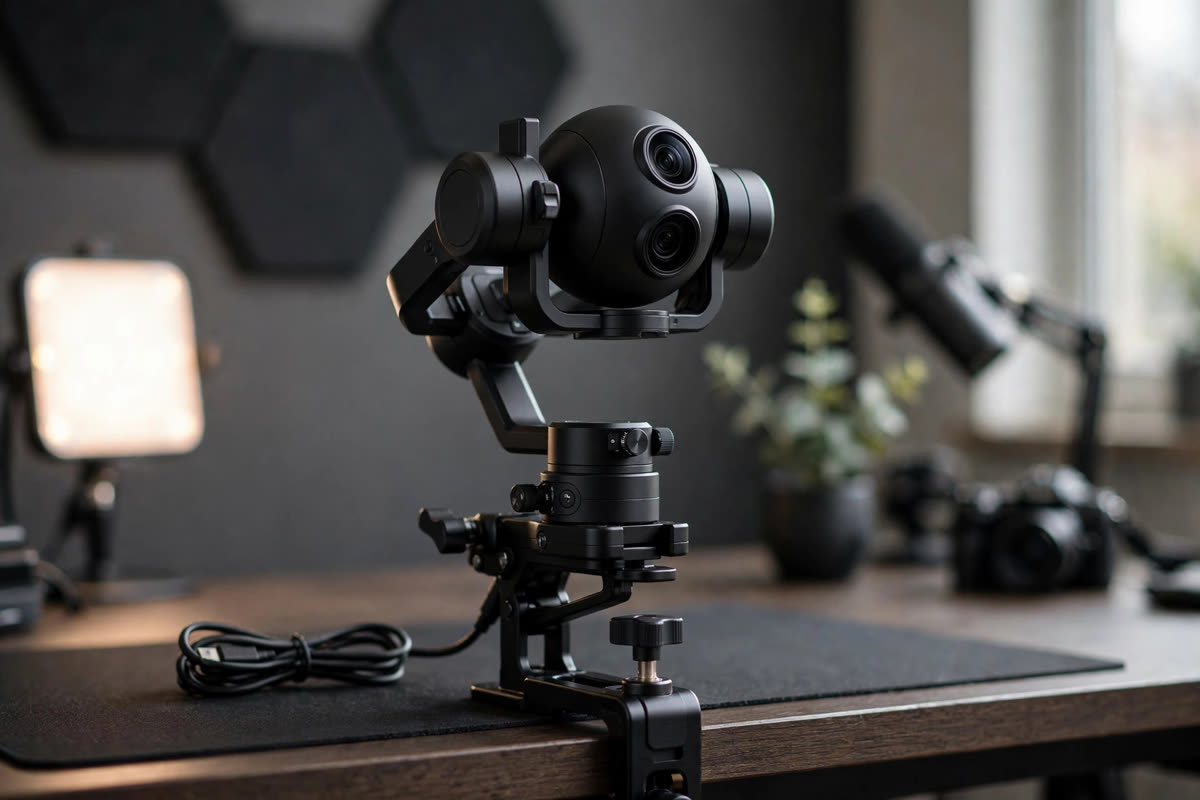
The Insta360 Link takes the gimbal-webcam idea upscale: a 4K camera on a three-axis gimbal with AI tracking, gesture control, and some of the best image processing in the webcam world, including strong HDR and low light handling for its size.
For streamers, the Link’s edge is polish. The gimbal movement is steadier than two-axis rivals, the AI framing modes (including overhead desk view for demos) are genuinely useful for creators who show their hands, and the companion software gives fine control without a engineering degree. It presents to your computer as a webcam, so OBS and the rest see it with no capture card in the chain.
Like the Tiny 2, it is a specialist: if you sit still, you are paying for movement you will not use. It also sits at a premium over fixed webcams, so the value case rests on tracking quality and image polish. For creators who want the most refined auto-framing webcam available, and a camera that makes desk demos look like productions, the Link earns its place among the best camera for live streaming contenders.
7. Canon EOS R6 Mark II: Best Camera for Live Streaming Pro Mirrorless Pick
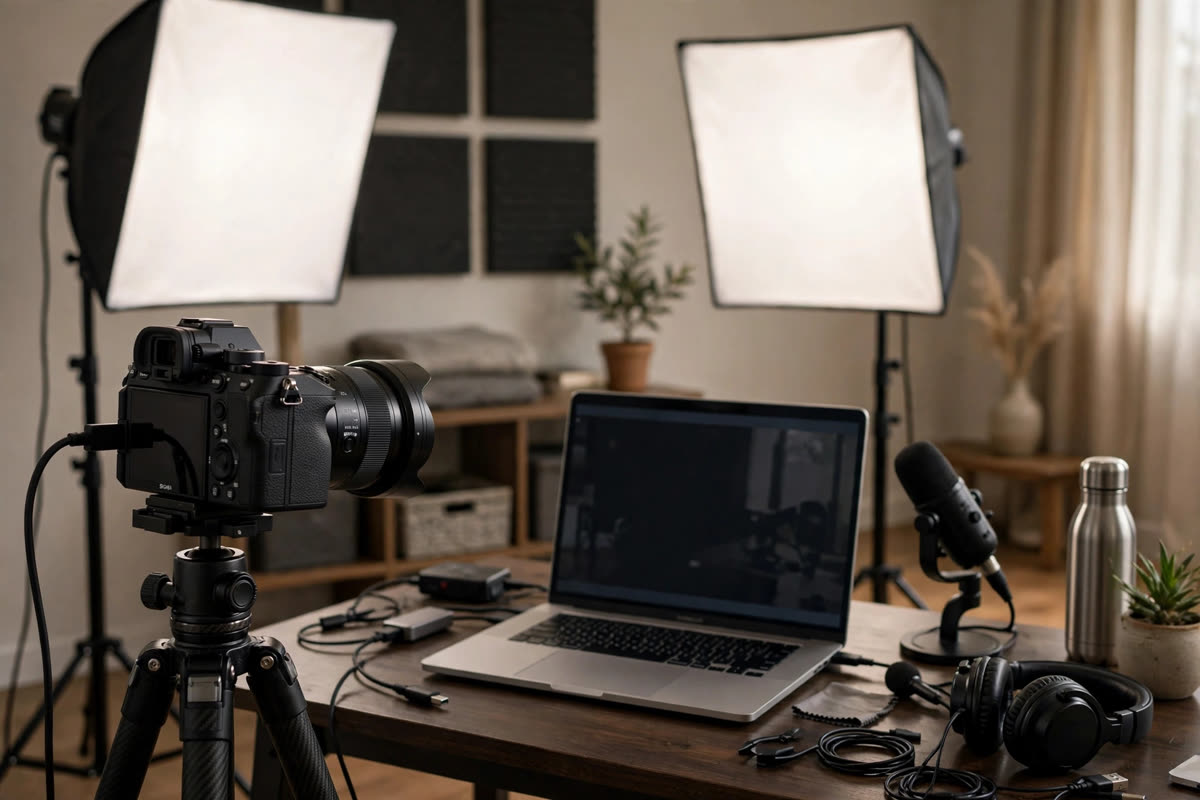
The Canon EOS R6 Mark II is the first true “big camera” on this list, and it changes the look of a stream more than any webcam can. A full-frame sensor, Canon’s superb Dual Pixel autofocus with subject detection, and clean HDMI output mean your stream gets real depth of field, real low light performance, and focus that sticks to your eye instead of hunting.
The streaming workflow takes more setup: you will feed it into your computer either as a USB webcam through Canon’s software or, better, through clean HDMI into a capture device, and you will want continuous power via a dummy battery so it never sleeps mid-broadcast. Get that right and the R6 Mark II runs for hours, looking like television while webcams look like webcams.
The honest question is whether you need it. For most desk streamers, a Facecam plus good lighting gets 90 percent of the way there for a fraction of the cost and complexity. But if your stream is your business, or you also shoot video and photos with the same body, the R6 Mark II is the professional answer to the best camera for live streaming, and it doubles as one of the best hybrid cameras you can buy.
8. Panasonic Lumix S5II: Best Camera for Live Streaming Hybrid Pick
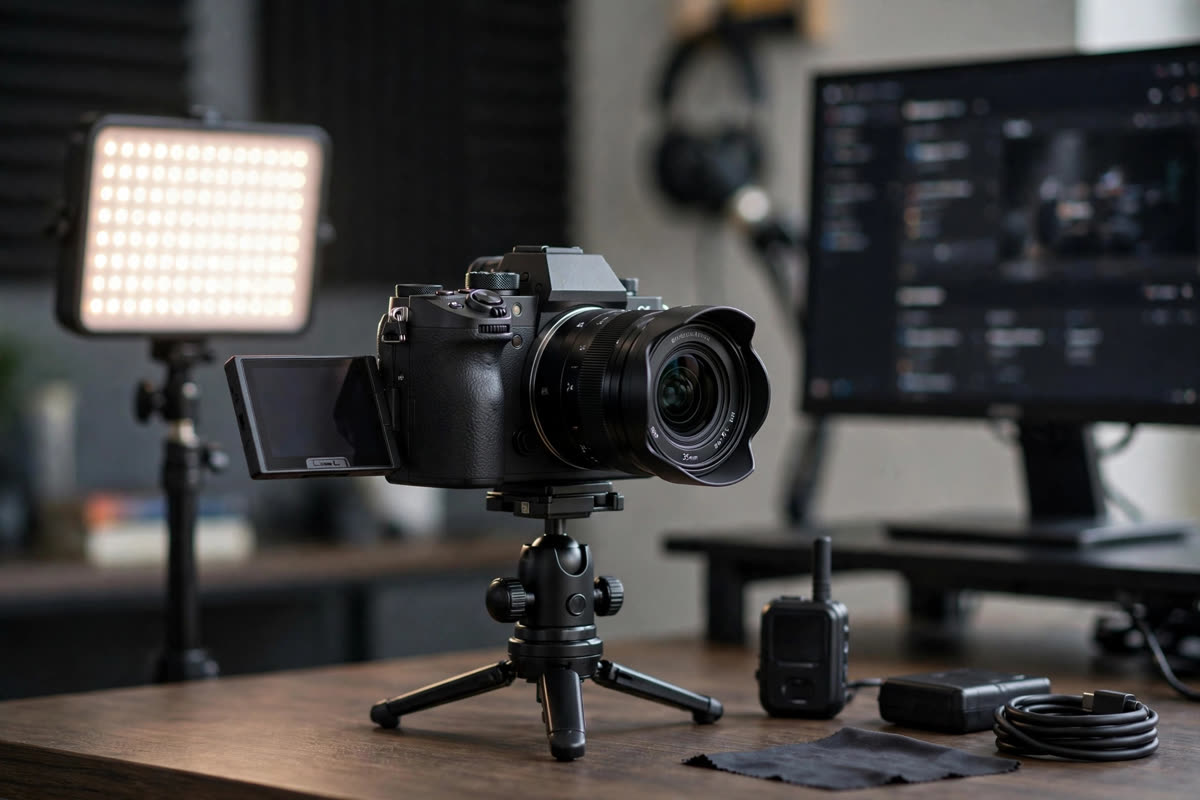
The Panasonic Lumix S5II brings full-frame image quality to streaming with a hybrid shooter’s mindset. It offers clean HDMI output for capture-device workflows, strong video autofocus with phase detection, and the kind of color science that makes skin tones look right with minimal grading, which matters when your face is the product.
For streamers who also create recorded content, the S5II’s case is efficiency: one body that shoots your YouTube videos and then, with an HDMI cable and a capture device, becomes your live camera. The unlimited video recording heritage of the Lumix line means it is built to run long takes without the overheating anxiety that haunts some mirrorless bodies, a trait that translates directly to streaming confidence.
As with the Canon, the workflow overhead is real: capture device or USB webcam mode, continuous power, a lens that suits your framing, and more money than any webcam here. Buy the S5II if you are building a hybrid studio where streaming is one job among several. If streaming is the only job, a dedicated streaming camera will be simpler and cheaper.
9. Canon VIXIA HF G70: Best Camera for Live Streaming Camcorder Pick
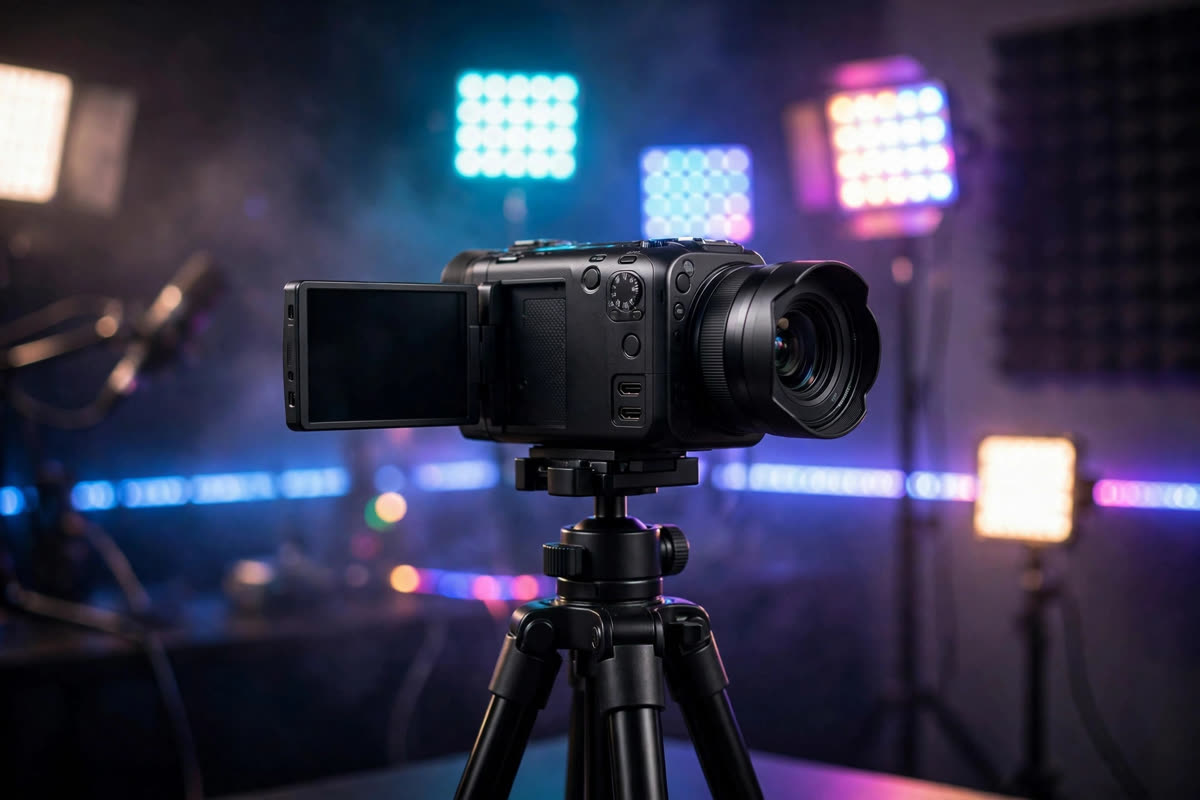
The Canon VIXIA HF G70 is the dark horse of this list: a 4K camcorder with a 20x optical zoom, and, crucially for streamers, UVC livestreaming over USB-C straight to a computer. That means it can act as a high-quality webcam with no capture card, while offering something no webcam on this list can: real optical zoom. You can see the G70’s streaming specs at this retailer listing.
The camcorder workflow suits specific streams beautifully. Houses of worship, classrooms, event coverage, and sports all benefit from a camera that can sit at the back of a room and still frame a tight shot, run for hours on a big battery, and keep everything in focus with deep depth of field. The 20x zoom and long runtimes are things mirrorless cameras simply do not offer at this price.
The tradeoff is the look: a small sensor means the image will not have the cinematic separation of the full-frame bodies, and it is overkill for a desk. But for distance streaming where zoom and endurance matter more than bokeh, the G70 is the most practical best camera for live streaming choice here, and the UVC support removes the traditional camcorder setup headache.
10. Sony ZV-1: Best Camera for Live Streaming Compact Pick
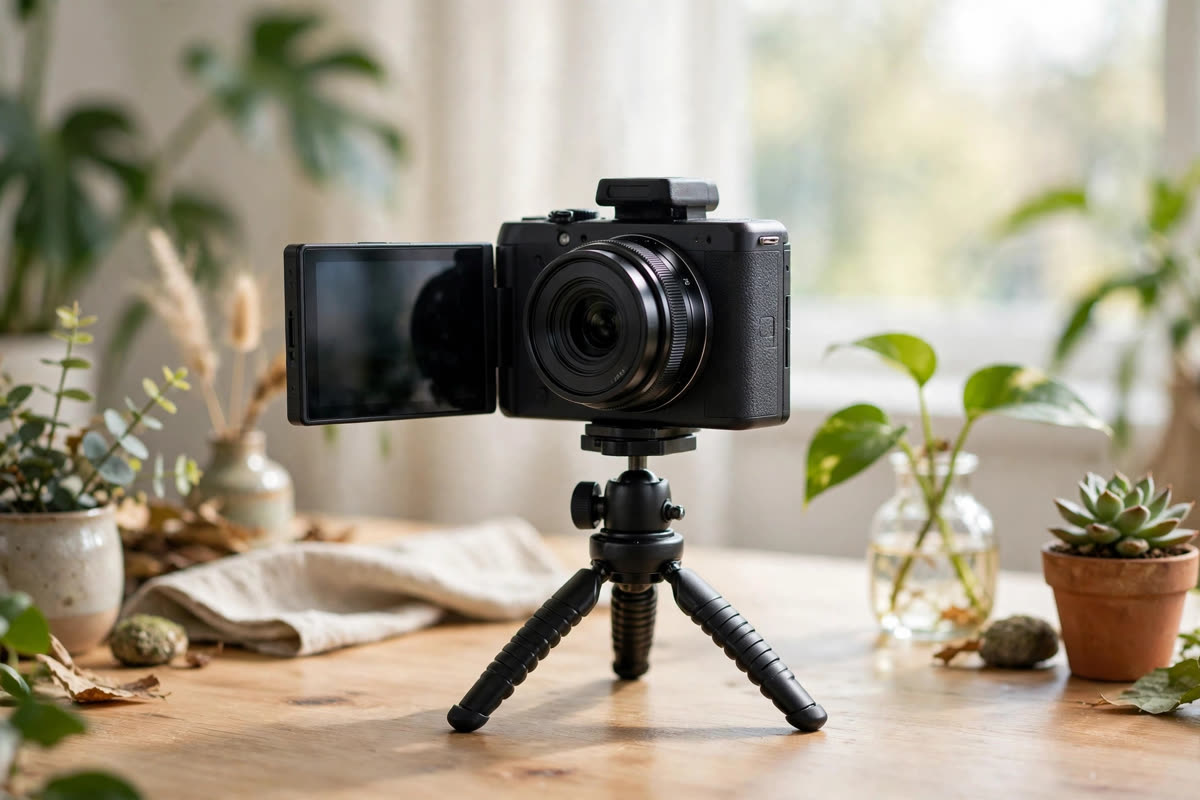
The Sony ZV-1 closes the list as the compact all-rounder. Designed for vloggers, it brings a one-inch sensor, clean HDMI output, and USB streaming mode to a body that fits in a jacket pocket. For streamers, the appeal is a bigger sensor than any webcam and a smaller footprint than any mirrorless body.
The workflow is friendly: connect over USB and it appears as a webcam, or go the clean HDMI route into a capture device for the best quality. Features built for creators, like the product showcase autofocus mode that snaps focus to objects you hold up, translate surprisingly well to demo and unboxing streams. It runs happily for long sessions with continuous power, and the flip screen helps solo streamers frame themselves.
Honest limits: the fixed lens means no lens upgrades, the small body can get warm on very long streams in hot rooms, and serious streamers will eventually want interchangeable lenses. But as a portable, capable, genuinely simple streaming camera that also vlogs beautifully on the road, the ZV-1 earns its spot. For creators who stream and travel, it may be the most versatile best camera for live streaming pick on this list.
Final Pick
Our final pick for the best camera for live streaming in 2026 is the Elgato Facecam. It wins because it was designed for exactly one job, looking great on a live broadcast, and it does that job with zero drama: fixed prime-lens focus that never hunts, 1080p60 that matches what platforms actually deliver, deep software control, and flawless OBS compatibility. No capture card, no overheating anxiety, no menu diving before every stream.
Runners-up by situation: the OBSBOT Tiny 2 or Insta360 Link if your stream involves movement and you want AI auto framing, the Logitech Brio 4K Pro if you want maximum webcam flexibility, and the EMEET S600 or Logitech C920x Pro if you are starting out on a budget. Step up to the Canon EOS R6 Mark II or Panasonic Lumix S5II when your stream is a production and you want the full-frame look, or the Canon VIXIA HF G70 when you stream from a distance and need zoom and endurance. For the wider camera landscape, see our guides to the best streaming camera and the best video camera.
Frequently Asked Questions
What is the best camera for live streaming in 2026?
Our pick is the Elgato Facecam for dedicated streamers: purpose-built optics, 1080p60, and bulletproof OBS compatibility. Movers and teachers should look at the OBSBOT Tiny 2 or Insta360 Link, and productions should consider the Canon EOS R6 Mark II or Panasonic Lumix S5II.
Do I need a mirrorless camera for streaming, or is a webcam enough?
For most streamers, a good webcam is not just enough, it is better: simpler, cheaper, cooler running, and always ready. A mirrorless camera earns its place when your stream needs the cinematic look, when you also shoot recorded content with the same body, or when low light performance is critical.
What is clean HDMI and why does it matter for streaming?
Clean HDMI is a video output with no on-screen menus, icons, or overlays, just the picture. It matters because you feed it into a capture device to get the camera’s full quality into OBS. Without it, your audience sees your camera’s settings screen instead of you.
How do I connect a camera to OBS?
Webcams and UVC cameras like the VIXIA HF G70 connect over USB and appear as a video source you simply select. Mirrorless cameras connect either over USB in webcam mode or through clean HDMI into a capture device, which OBS then sees as a source. Either way, add it as a Video Capture Device in OBS and you are live.
Will my camera overheat during long streams?
Webcams are built to run indefinitely and effectively never overheat. Mirrorless cameras vary: some handle hours fine, others need care in warm rooms, so check long-run behavior before an important broadcast and always use continuous power rather than a battery that can die mid-stream.
Do I need a capture card to stream with a camera?
Only if your camera lacks a USB webcam mode. All the webcams on this list, plus the VIXIA HF G70’s UVC mode and the USB modes of the mirrorless bodies, work without one. A capture device enters the picture when you want the best quality from clean HDMI, and it is worth it for serious productions.
The Bottom Line
The best camera for live streaming is the one that is on, in focus, and streaming when you press the button. For most people that is a purpose-built webcam like the Elgato Facecam, not the most expensive body on the shelf. Spend the difference on lighting and a microphone, which your audience will notice far more than sensor size.
Buy for your actual workflow: USB simplicity for desk streams, AI tracking for moving presenters, clean HDMI mirrorless for productions, and a zoom camcorder for distance. Check OBS compatibility before you buy, confirm continuous power for long broadcasts, and ignore any spec that does not survive contact with your real streaming schedule. Compare with our best streaming camera and best video camera guides, then pick the camera that fits the stream you actually run.